
As part of HiringThing’s continued goal to deliver hiring happiness, we put together a list of tips to make the process of posting to Indeed a bit happier. These tips, curated through our Indeed partnership, are specifically tailored towards gaining organic (free) visibility on Indeed. While they are best practices for all job postings, these are some specific details that Indeed looks for when reviewing and approving posts for free organic visibility, and the tips below will ensure that your posts make the cut:
What is Organic Visibility?
Indeed sources job postings for its job board through a variety of means, including receiving jobs through a live feed from Applicant Tracking Systems (ATS’s) like HiringThing. Employers also have the option to pay for premium sponsorship for their job posting to bump the posting’s visibility in a job seeker’s search results. When we refer to organic visibility, it means that a job posting is “ranked solely by relevance or date” in an Indeed.com website visitor’s job search results. “These are the latest jobs related to your search query, and will naturally fall back in search results over time as new roles are added.” For more information, check out Indeed’s FAQ article on the topic.
Indeed does conduct a very thorough review process before they will post your active jobs and give them organic visibility to job seekers. This review process is performed by Indeed’s Search Quality Team, whose job is to evaluate job postings to make sure they are unique, high-quality jobs posted by legitimate companies.
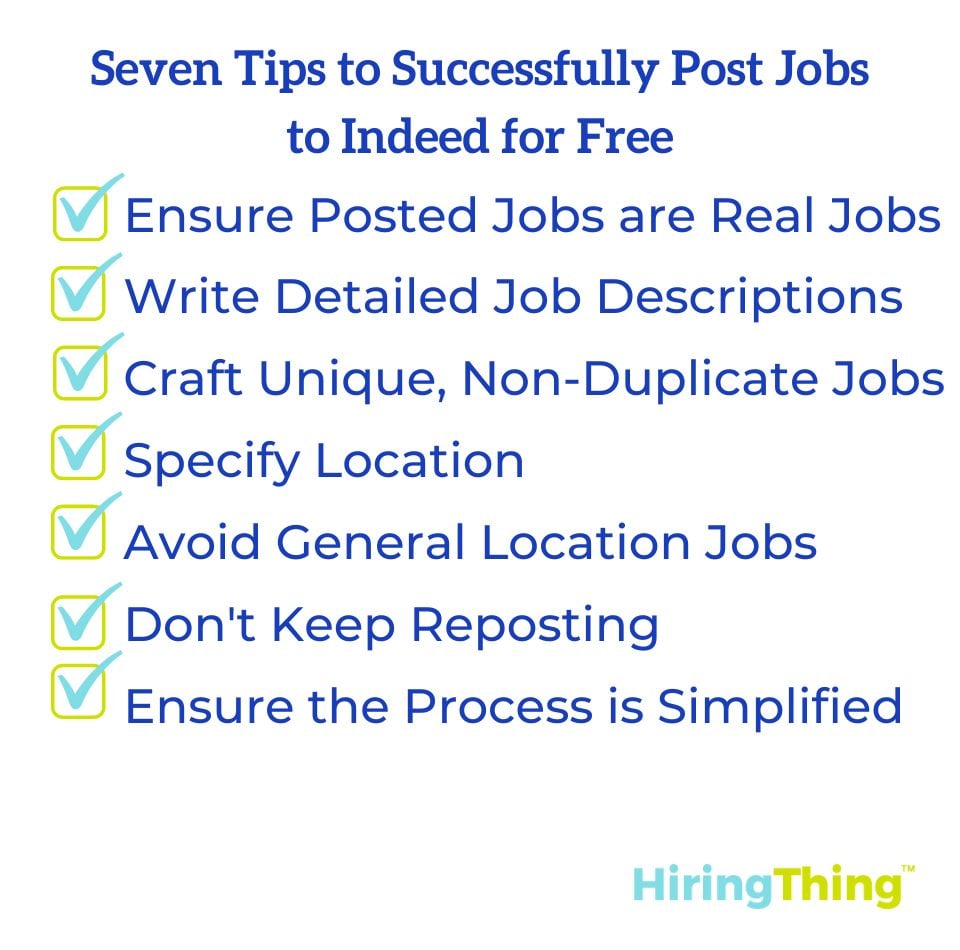
1. Ensure Posted Jobs are Real Jobs
Simply put, the jobs entered should be actual jobs. Indeed Free does not allow product/service advertisements, training courses, business opportunities, or fraudulent listings. All postings should be real jobs that candidates can apply to.
2. Write Detailed Job Descriptions
Detailed job descriptions with clear titles result in higher conversion rates. Make sure your job descriptions contain more than a couple of sentences and be sure to include items such as a company overview, day-to-day responsibilities, job qualifications, etc. Indeed’s Search Quality Team will reject any job postings that are too short or that they deem to be “poor quality.” Need help writing unique job descriptions?
Need help figuring out what to include? The HiringThing Guide to Increasing Your Applicant Traffic is your one-stop shop for strengthening your applicant traffic in meaningful ways, starting with knowing what job seekers look for in a job description.

3. Craft Unique, Non-Duplicate Jobs
Duplicate listings will not be approved for organic visibility. It confuses job seekers to see multiple versions of the same job from different sources. This means that your job posting cannot be listed on Indeed from any other source. If you are posting to Indeed directly and want to start posting through your HiringThing account to save yourself some time, you’ll need to make sure you stop posting directly to Indeed before you submit your postings for the free option through your HiringThing account.
4. Specify Location
All job postings should include a city and state, and locations should not be included within job titles. If the job is posted outside of the United States, you should include specific location information in the body of the job description. For example, “Recruiter (Dallas, TX)” should just be “Recruiter.” Stay away from spammy job titles like “EARN CASH – WORK FROM HOME.”
5. Avoid General Location Jobs
General recruitment jobs include some of the following characteristics: identical descriptions in multiple locations, mentions of hiring for various roles in one job posting, mentions of no experience necessary or flexible hours, or references of self-employment and commission-only salaries are not suitable for organic visibility on Indeed. When you have a single position you are hiring for and you create multiple job postings in different geographic locations for that single position, Indeed considers this to be location blasting and will reject your postings. If you want to advertise a single position in multiple locations, you can list out the locations in which you are hiring right in the job description text.
6. Don't Keep Reposting
The longer a job stays posted, the further it will fall in Indeed’s organic search results. Frequently reposting jobs to have them placed higher in search results is not accepted by Indeed. If job postings begin to see a significant decrease in traffic, Indeed recommends sponsoring the job.
7. Ensure the Process is Simplified
The application process should be short and simple. Job postings should not require job seekers to pay registration, application, training, or signing fees. Using HiringThing to provide job seekers with an online application form makes that part of Indeed’s criteria easy to comply with. Just don’t go overboard with setting up your custom screening questions through Form Builder (for example, setting up 100 required screening questions on your application form would probably be considered “overly complex” by Indeed).
A Note for Staffing Firms
If you are a staffing firm and you are only posting direct jobs for your own company, you can submit your active job postings for organic visibility. If you are posting jobs for your clients, Indeed views these postings as duplicates of postings they may be receiving from your client directly (whether or not they are) and, as such, Indeed will assign your client job postings “sponsored-only visibility” on their job board. That means job seekers will only see your client job postings if you buy a paid Indeed advertisement for them.
How to Get Organic Visibility Through HiringThing
At select plan levels, the “Indeed.com Free” option is available under the “Free Options” section of your Online Recruiting Manager on the Post to Job Boards page. Once you’ve selected the “Indeed.com Free” option for your job postings, we will conduct an initial review to make sure they comply with Indeed’s guidelines (see above) before submitting them to Indeed’s Search Quality Team for the official Indeed review process.
How long does it take? This depends entirely on Indeed. The first time you submit your job postings, the process can be as fast as a few days or as long as a couple of weeks, depending on the Search Quality Team’s current workload. The good news is that once the team has reviewed your company and postings once, any subsequent job postings you submit should be posted within 24 hours, provided the postings meet Indeed’s guidelines.
What can I do while I’m waiting? You can always purchase a paid advertisement for your open position on Indeed.com. This is called a “sponsored job” which gives your job posting premium placement in search results. To purchase a sponsored job ad for your active posting through your HiringThing account, just select the paid Indeed option via the Online Recruiting Manager on the Post to Job Boards page.
We hope the above steps make it easier for you to post job listings that result in great candidates on Indeed.com!
Indeed is the most popular job board for job seekers, but it’s far from your only option. There’s a range of job boards from general-posting sites to niche boards like Culinary Agents, which specializes in hospitality careers. Check out our Seven Steps to Selecting the Right Job Board guide to ensure you’re posting in the right place.
Related Resources
- Seven Steps to Selecting the Right Job Board
- The Case for Including Salary in Your Job Postings
- The HiringThing Guide to Increasing Your Applicant Traffic
About HiringThing
HiringThing is a modern recruiting and employee onboarding platform as a service that creates seamless talent experiences. Our white label solutions and open API enable HR technology and service providers to offer hiring and onboarding to their clients. Approachable and adaptable, the Hiringthing HR platform empowers anyone, anywhere to build their dream team.


.jpg?width=45&name=1621426681866%20(1).jpg)